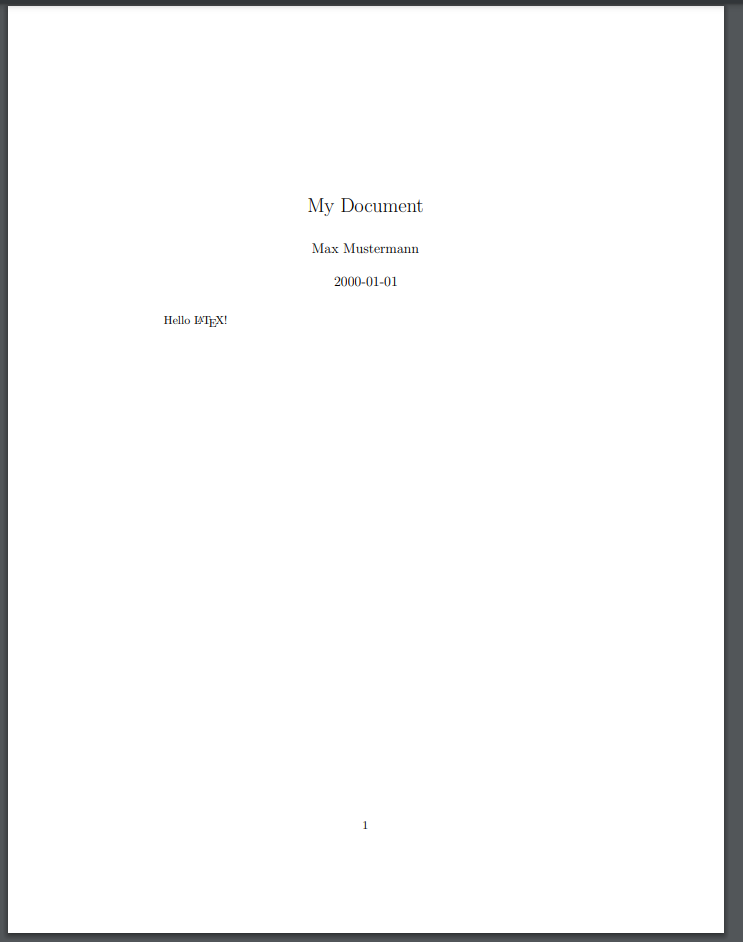
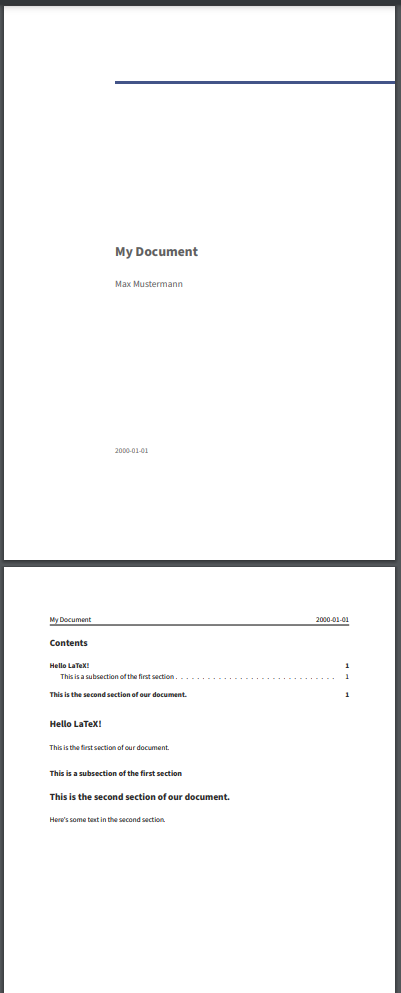
Image 1 of 1: ‘Screenshot of the PDF file generated by Pandoc from the Markdown source file.’
Figure 2
Image 1 of 1: ‘Screenshot of the PDF file generated by Pandoc from the Markdown source file.’
Figure 3
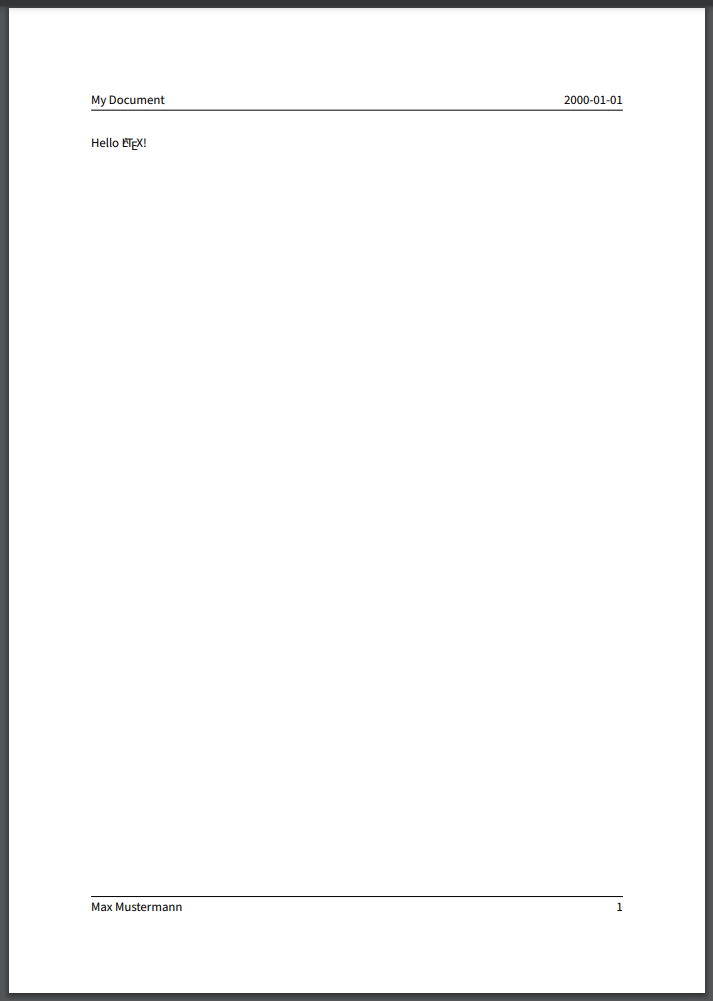
Image 1 of 1: ‘Screenshot of the PDF file generated by Pandoc from the Markdown source file with additional metadata.’
Figure 4
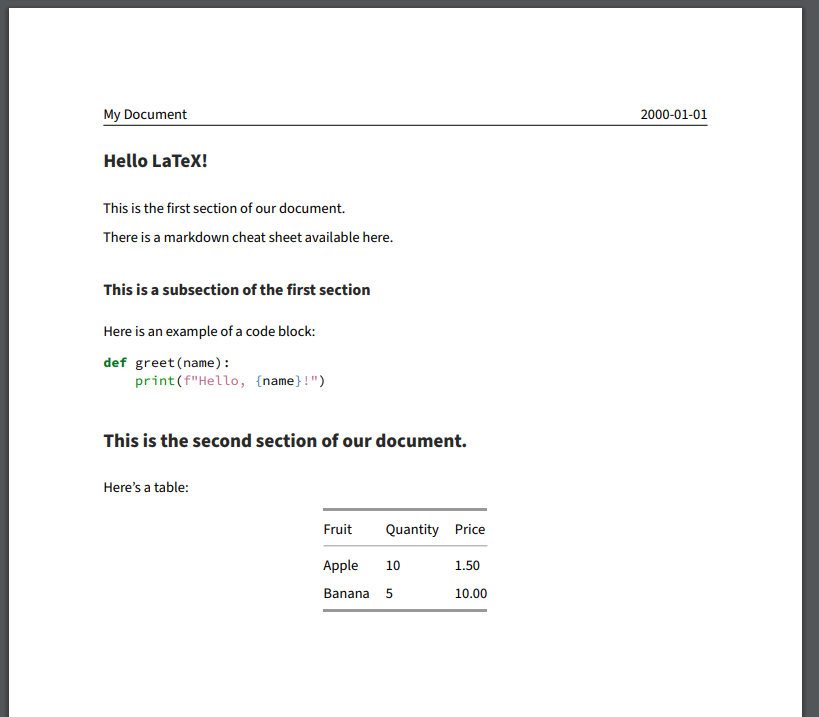
Image 1 of 1: ‘Screenshot of the PDF file generated by Pandoc from the Markdown source file with additional content.’
Figure 5
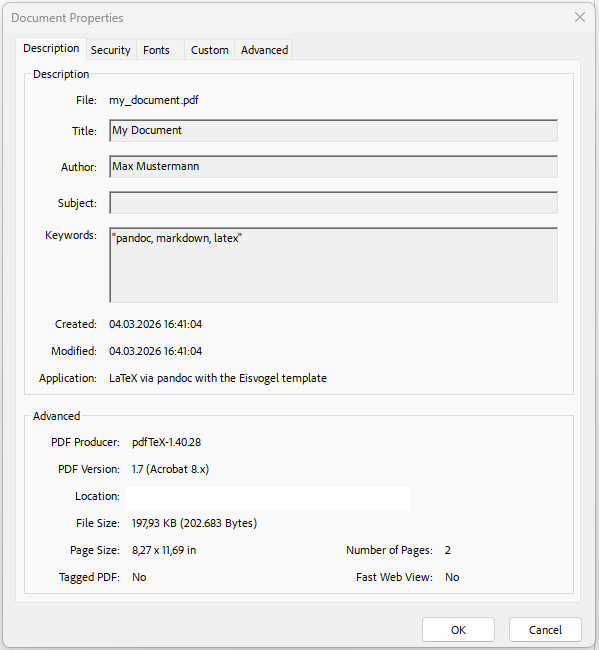
Image 1 of 1: ‘Screenshot of the document properties of the PDF file generated by Pandoc, showing the keywords that were added to the YAML front matter.’
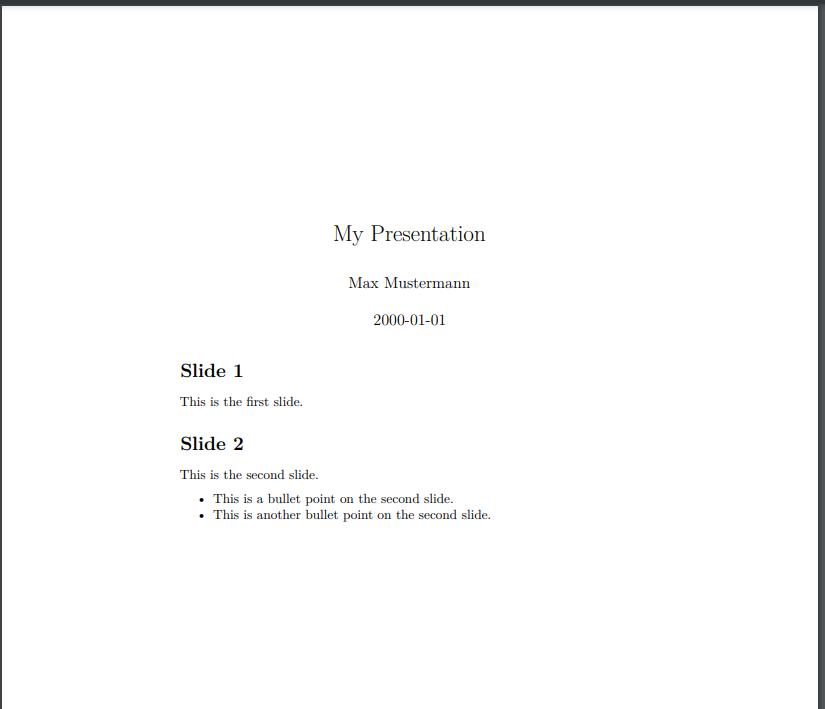
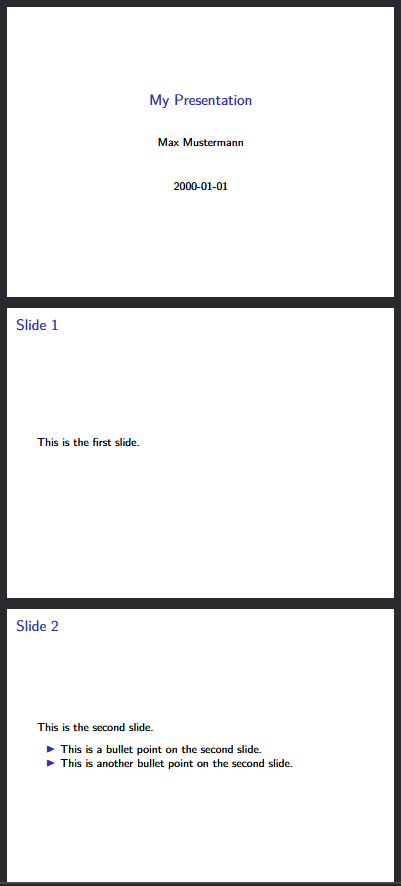
Image 1 of 1: ‘Screenshot of the presentation PDF file generated by Pandoc from the Markdown source file.’
Figure 2
Image 1 of 1: ‘Screenshot of the presentation PDF file generated by Pandoc from the Markdown source file, using the beamer class.’
Figure 3
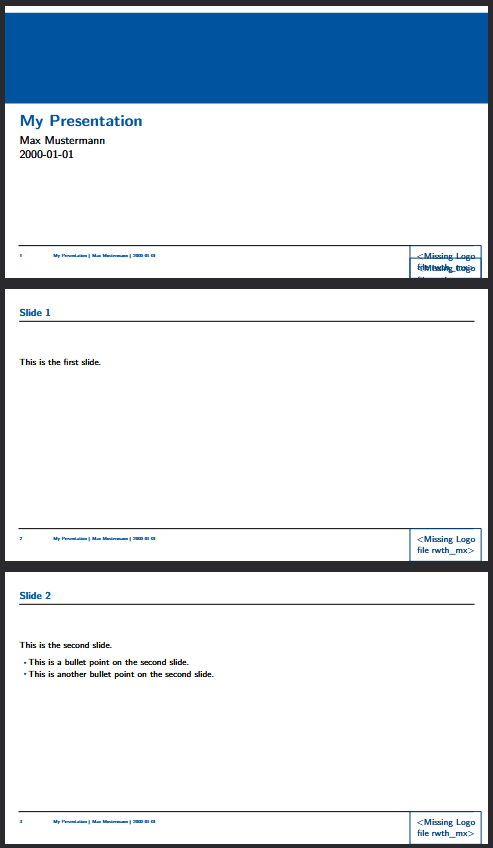
Image 1 of 1: ‘Screenshot of the presentation PDF file generated by Pandoc from the Markdown source file, using the RWTH beamer template.’
Figure 4
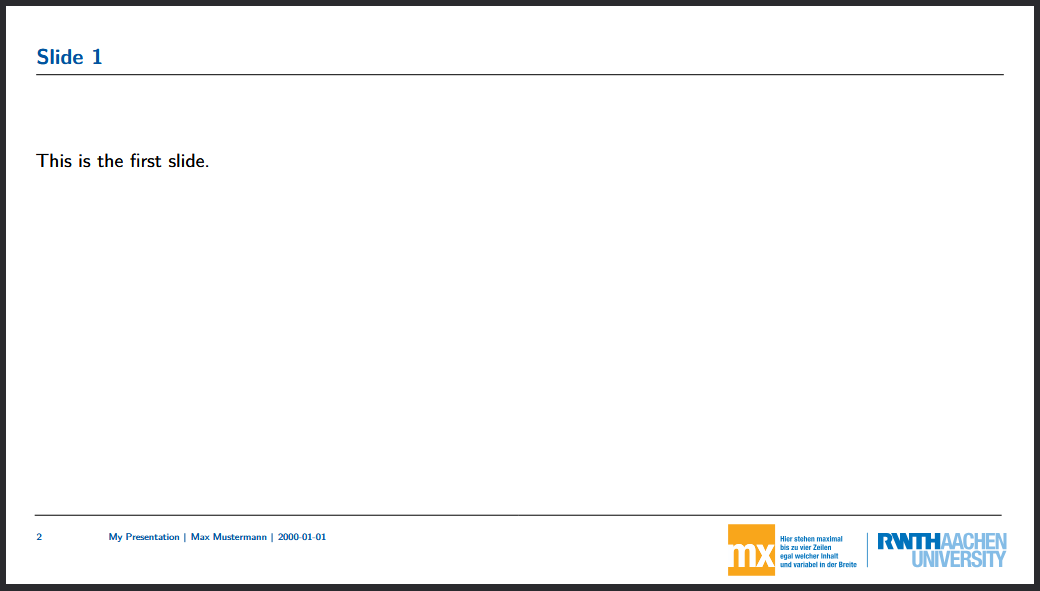
Image 1 of 1: ‘Screenshot of the presentation PDF file generated by Pandoc from the Markdown source file, using the RWTH beamer template with the logo file.’